DUO Butterfly
Your desktop moveswith your MacBook.
Close the lid and your desktop bends, blurs and dims in real time.
Open it again and everything smoothly returns.
Free and open source · macOS 26+ · Apple silicon · Lid-angle sensor required
How it works
Close the lid.The desktop follows.
DUO Butterfly reads your MacBook’s lid-angle sensor and redraws the desktop at every angle. It’s not a pre-recorded animation.
The video couldn’t be played. You’ll find the GIF version at the bottom of the page.
Styles
One movement.Three styles.
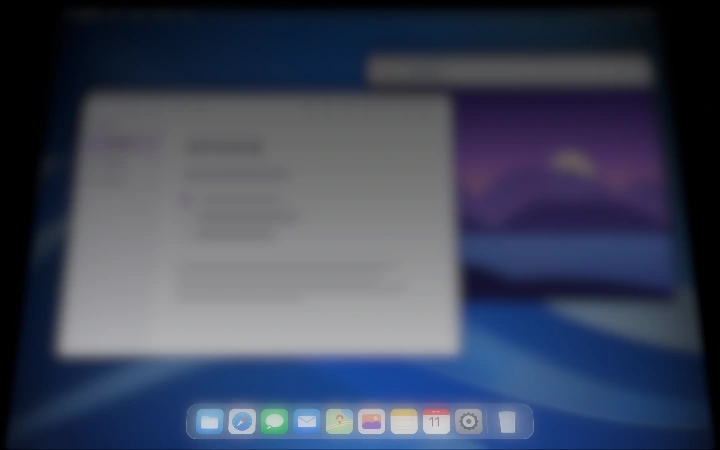
Silk
A soft bend with a gentle fade. The most subtle of the three.
Choose how your desktop reacts as you close the lid.
Menu bar app
Fine-tune the effectfrom the menu bar.
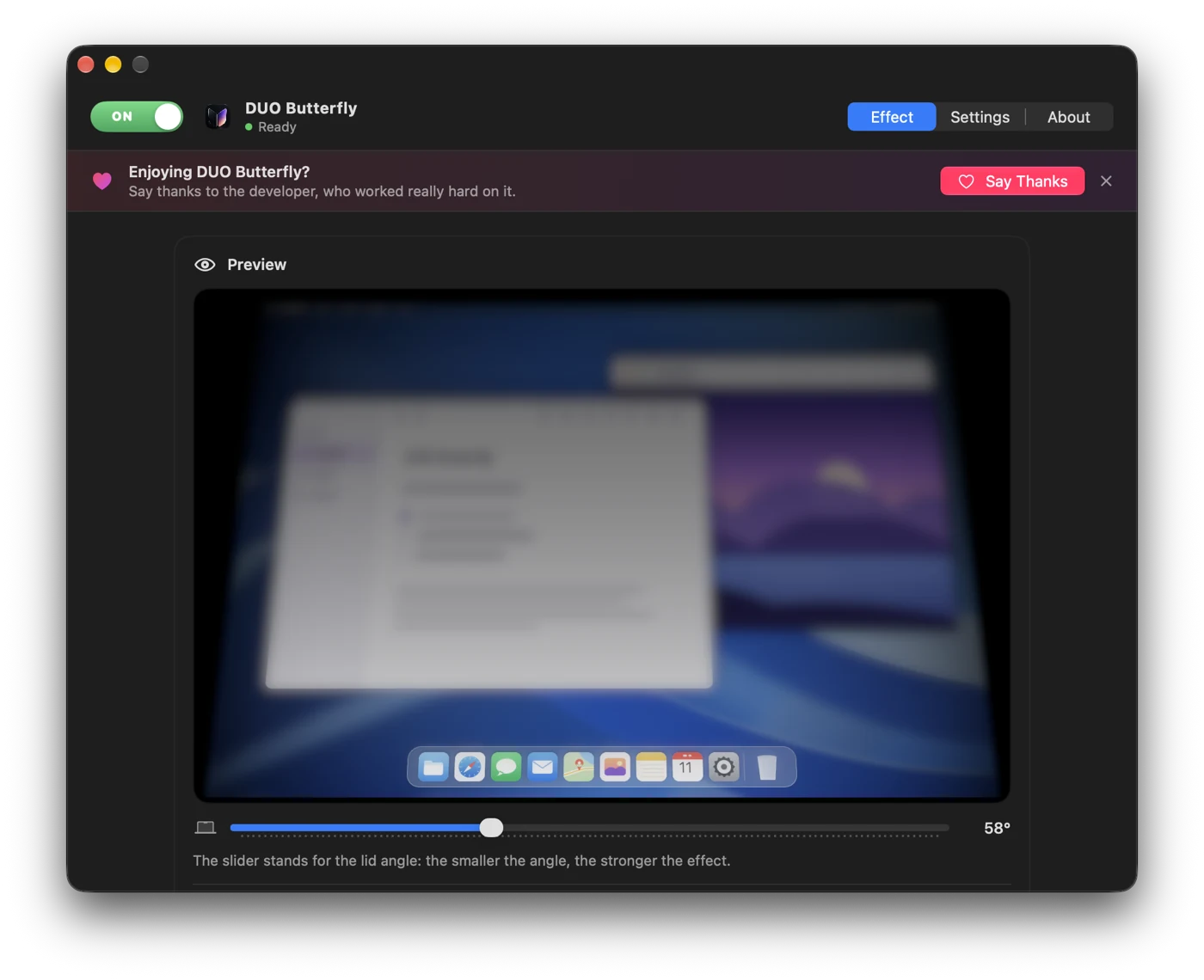
Choose a style, adjust the effect and set the lid angle at which it turns off.
Turn DUO Butterfly on or off instantly with ⌘⌥B.
Privacy
Your screenstays onyour Mac.
DUO Butterfly processes screen frames locally in memory with Metal. They are never saved, uploaded or sent anywhere.
- Download the ZIP file from the latest GitHub release, unzip it and drag DUO Butterfly to your Applications folder.
- The app isn’t notarized by Apple, so macOS blocks the first launch. Go to System Settings → Privacy & Security and click Open Anyway.
- Allow Screen Recording when macOS asks. DUO Butterfly needs this permission only to create the visual effect on the built-in display — it does not record video or audio.
DUO Butterfly
Make your MacBookfeel more alive.
Download for freeComing soon to Windows.
Free and open source under the MIT license. Not for you? Just drag it to the Trash.
Source code on GitHub ↗